How to Add Credit Card to Customer Account for Payment:
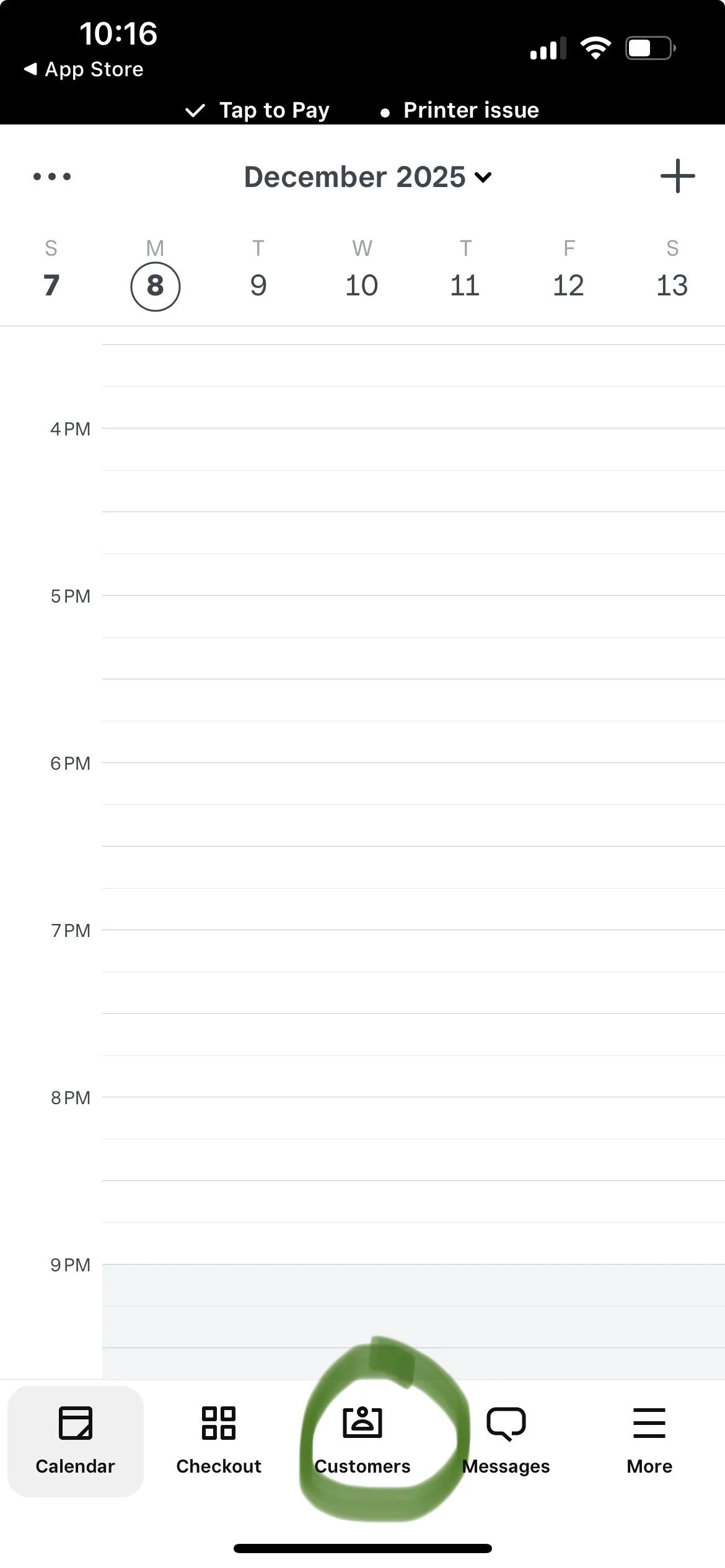
Open Square App, Log In
Click on “Customers”
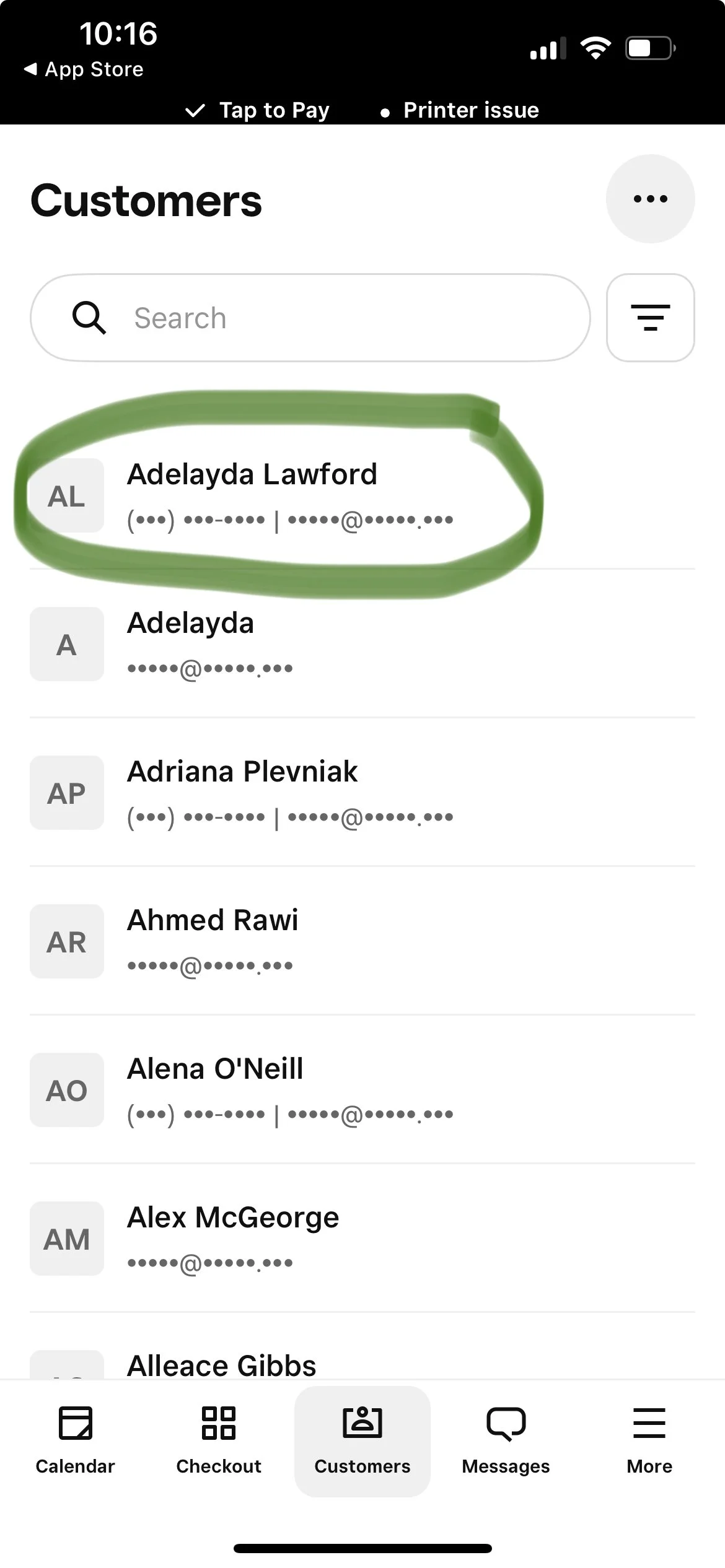
Find and click on the customer’s name
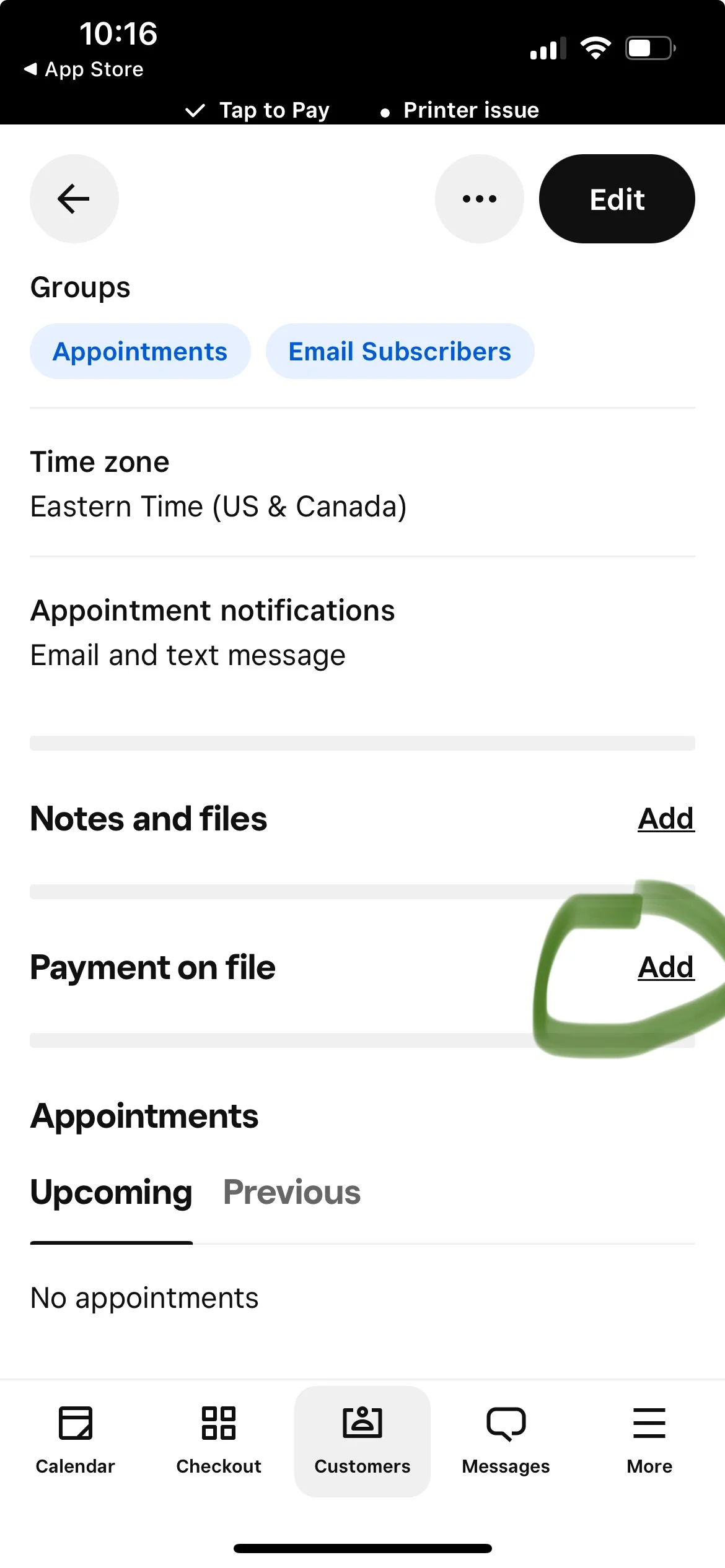
Scroll down to “Payment on file” and click on “Add”
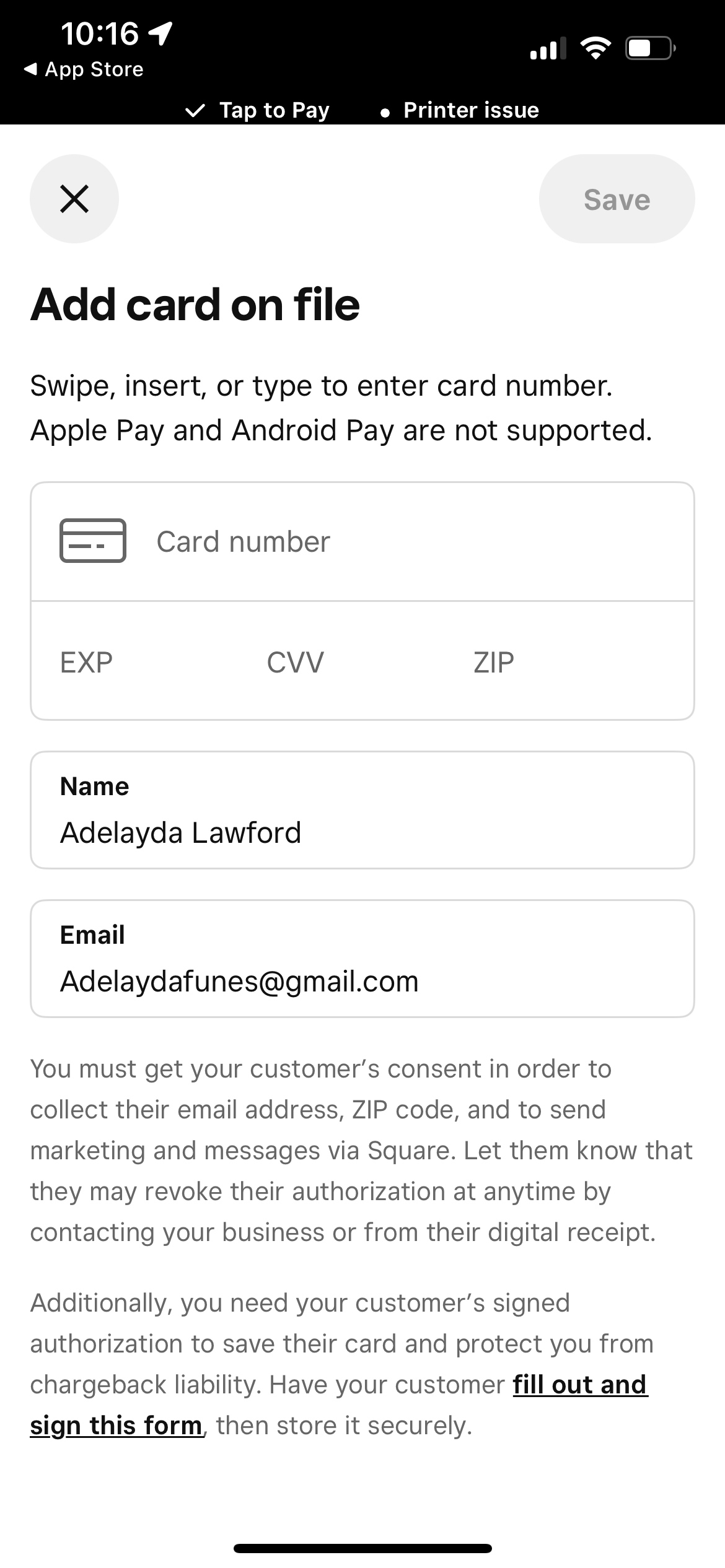
Have the customer add their Credit Card information
Save
Let Jeyin know that the customer’s credit card has been added and she’ll process the charge
(This will only need to be done for a few customers since the issue has been fixed)